Shopify SMS notifications: the short answer
Most Shopify SMS paths fall into two buckets: a marketing app that owns the messaging layer, or a developer setup that sends through a hosted SMS provider such as Twilio. Both can work. The tradeoff is that the sender, replies, and message costs usually live outside the store operator's control.
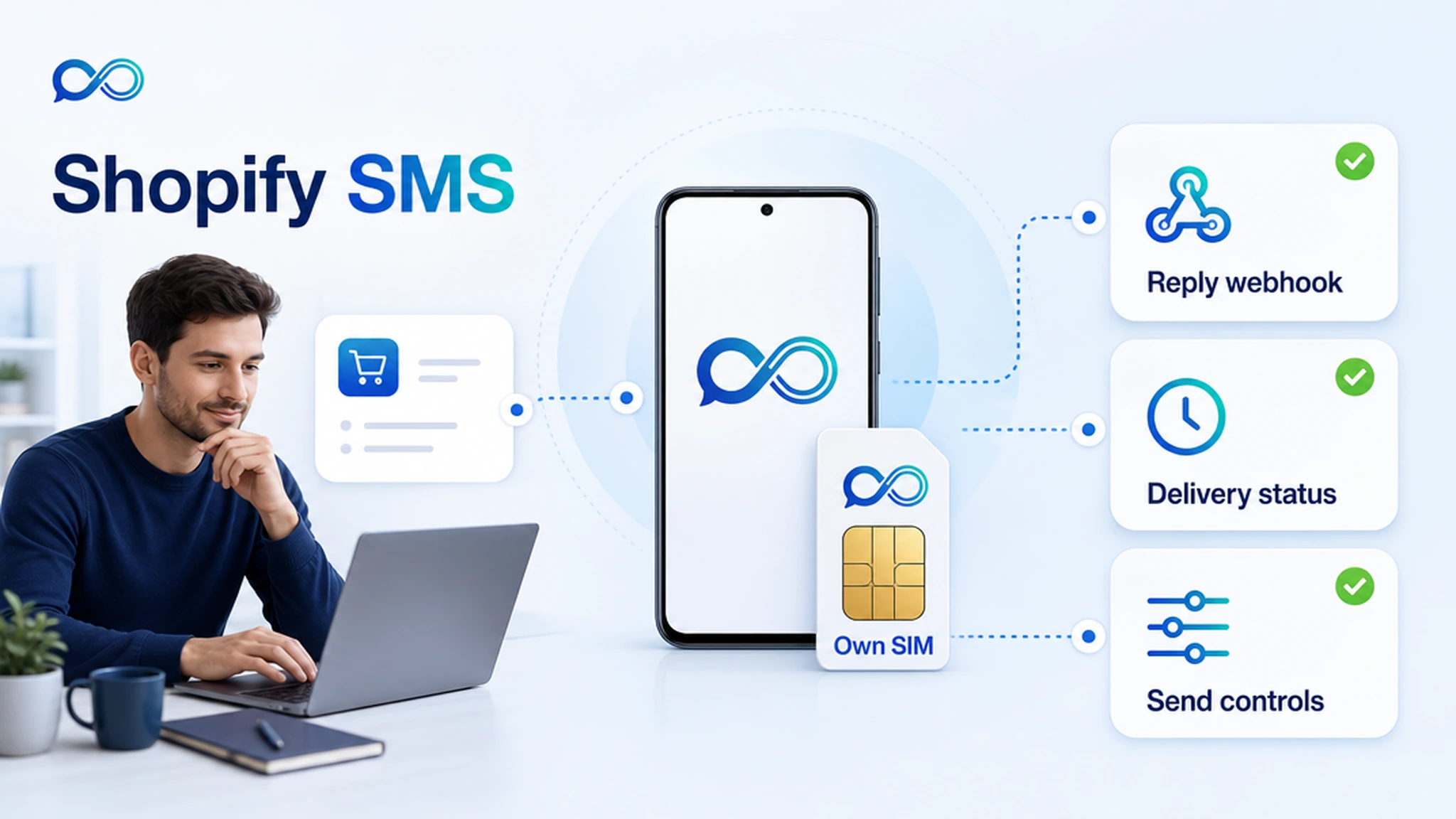
InfiniReach gives Shopify teams a different route. Shopify can stay the commerce system, while InfiniReach sends SMS through your connected Android phone, SIM, and own number. The same workflow can capture replies, delivery status, and SMS plus WhatsApp routing for support or fulfillment follow-up.
key takeaways
Use this page if your store needs transactional or support notifications from a number customers recognize, not another one-way SMS app.
- Send Shopify-triggered SMS from your own Android SIM and business number where that fits your consent and carrier rules.
- Use Shopify webhooks, Shopify Flow HTTP requests, Zapier, Make, n8n, or custom code to call InfiniReach.
- Pass the sender and channel explicitly with API fields such as from and channel.
- Route delivery status and inbound replies back through webhooks so customer answers do not disappear.
- Use send windows and daily SIM limits when order volume or campaign volume spikes.
why Shopify teams search for SMS notification tools
The buyer usually has a concrete workflow: order confirmed, local pickup ready, delivery delayed, abandoned checkout, failed payment, subscription issue, back-in-stock alert, or post-purchase review request. The problem is not “how do I send any text?” It is “how do I send the right text from the right number and handle the reply?”
Shopify's webhook system can notify an app when store events happen. Automation tools can also watch Shopify events and send an HTTP request. That means the store side is solvable. The harder part is choosing a messaging layer that keeps sender identity, replies, cost exposure, and operator controls clear.
where InfiniReach fits in the Shopify stack
InfiniReach sits between Shopify and the messaging channel. Shopify owns the order, customer, and fulfillment events. Your automation layer decides when a message should send. InfiniReach handles the connected sender, the channel, delivery status, replies, and message history.
That split keeps the store workflow simple. Instead of building one notification path for SMS, another for WhatsApp, and another place to watch replies, the automation can call one InfiniReach send endpoint with the recipient, message, sender, and channel.
- Android relay app sends SMS through your own SIM and number.
- Invite/QR onboarding connects devices and WhatsApp paths without a long custom build.
- POST /api/v1/messages style sending supports explicit from and channel control.
- Webhook events can return replies and delivery status to your CRM, help desk, or automation tool.
a practical Shopify notification workflow
Start with one event that already costs the team time. Local pickup is a good example because it is operational, reply-heavy, and easy to measure. The store marks an order ready. The automation sends an SMS from the store's own number. The customer replies if timing changes. The reply lands where staff can act on it.
The same pattern works for order exceptions, subscription payment recovery, delivery coordination, and review requests. Keep the workflow small until the full loop works: event, outbound text, status event, inbound reply, and staff handoff.
- Shopify order or customer event fires a webhook or automation trigger.
- The workflow sends an HTTP request to InfiniReach with recipient, message, from, and channel.
- InfiniReach sends through the chosen Android SIM sender or WhatsApp path.
- Replies and delivery status return through webhooks for tagging, help-desk routing, or CRM updates.
compare Shopify SMS setup options
The right option depends on how much control the store needs after the message leaves Shopify. A basic SMS app is fine for a simple opt-in list. A Twilio build is useful for a developer team that wants hosted CPaaS primitives. InfiniReach is strongest when the sender number, replies, and recurring message economics matter.
- Shopify SMS app: fast to install, but sender ownership, replies, and pricing are usually tied to the app's messaging stack.
- Twilio or hosted CPaaS: developer-friendly and broad, but US long-code SMS is still metered; Twilio lists $0.0083 per outbound or inbound SMS segment in the United States and a $0.001 failed-message processing fee.
- InfiniReach: send store notifications through your own Android SIM/number, route replies through webhooks, and keep SMS plus WhatsApp in one operator-controlled workflow.
a simple monthly cost check
Assume a store sends 8,000 outbound order, pickup, and payment texts per month and receives 1,500 customer replies. At Twilio's public US long-code benchmark of $0.0083 per outbound or inbound SMS segment, those 9,500 segments come to $78.85 before any number, carrier, registration, or app-layer costs. If 300 failed messages are processed, Twilio's listed $0.001 failed-message fee adds another $0.30.
That math is not a claim that every Shopify store should leave hosted CPaaS. It is the question operators should ask before volume grows: do you want notification spend to scale mainly by segment count, or do you want to test an own-SIM path where the store uses a phone plan plus InfiniReach software and keeps the sender number under its own control?
best-fit Shopify use cases
The best fit is a workflow where sender familiarity and replies change the outcome. If the customer may answer the text, ask a question, change pickup time, or need a staff member, the messaging layer has to be two-way from day one.
- Local pickup ready texts from the store number customers already call.
- Delivery exception or appointment coordination where replies should reach staff.
- Failed payment and subscription recovery tied to CRM or support follow-up.
- Review requests after delivery, with reply handling before a negative review appears.
- Agency-managed Shopify stores where each client needs its own sender and controls.
what to avoid before going live
Do not treat Shopify SMS as a one-way broadcast just because the trigger is easy. Commerce messages still need consent, clear opt-out handling, responsible timing, and a reply path. Own-SIM sending does not remove those responsibilities.
- Do not send from the wrong client or store number. Keep from values deliberate.
- Do not let imports or automation loops send after hours; use send windows where needed.
- Do not ignore inbound replies. If a customer answers a notification, route it to a human or workflow.
- Do not use own-SIM language as a compliance shortcut. Check local rules, carrier policies, and consent requirements.
when a hosted provider is still the better fit
Use a hosted CPaaS or a dedicated Shopify SMS app if you need global short codes, large-scale OTP, official carrier program management, or a prebuilt marketing suite with list growth widgets and campaign templates. InfiniReach is not trying to replace every commerce marketing app.
Choose InfiniReach when the job is operational messaging from a real number: order updates, reply-aware support, pickup coordination, payment nudges, WhatsApp fallback, and agency workflows where sender control and margin matter.
next step: price one Shopify workflow
Pick one store event and write down five fields: trigger, recipient, sender number, channel, and reply destination. If that workflow needs an own number, SMS plus WhatsApp, webhook replies, and send controls, use the pricing page to compare the phone-plan-plus-software route against your current per-message setup.