Zapier SMS from your own number: the short answer
Zapier can trigger almost any workflow, but its built-in SMS path is not built for customer-facing texting from your business number. Zapier help results describe SMS by Zapier as a way to text yourself, with limits such as confirmed phone numbers, United States and United Kingdom recipients, and 15 messages per hour. That can be fine for an internal alert. It is not enough for a client follow-up workflow.
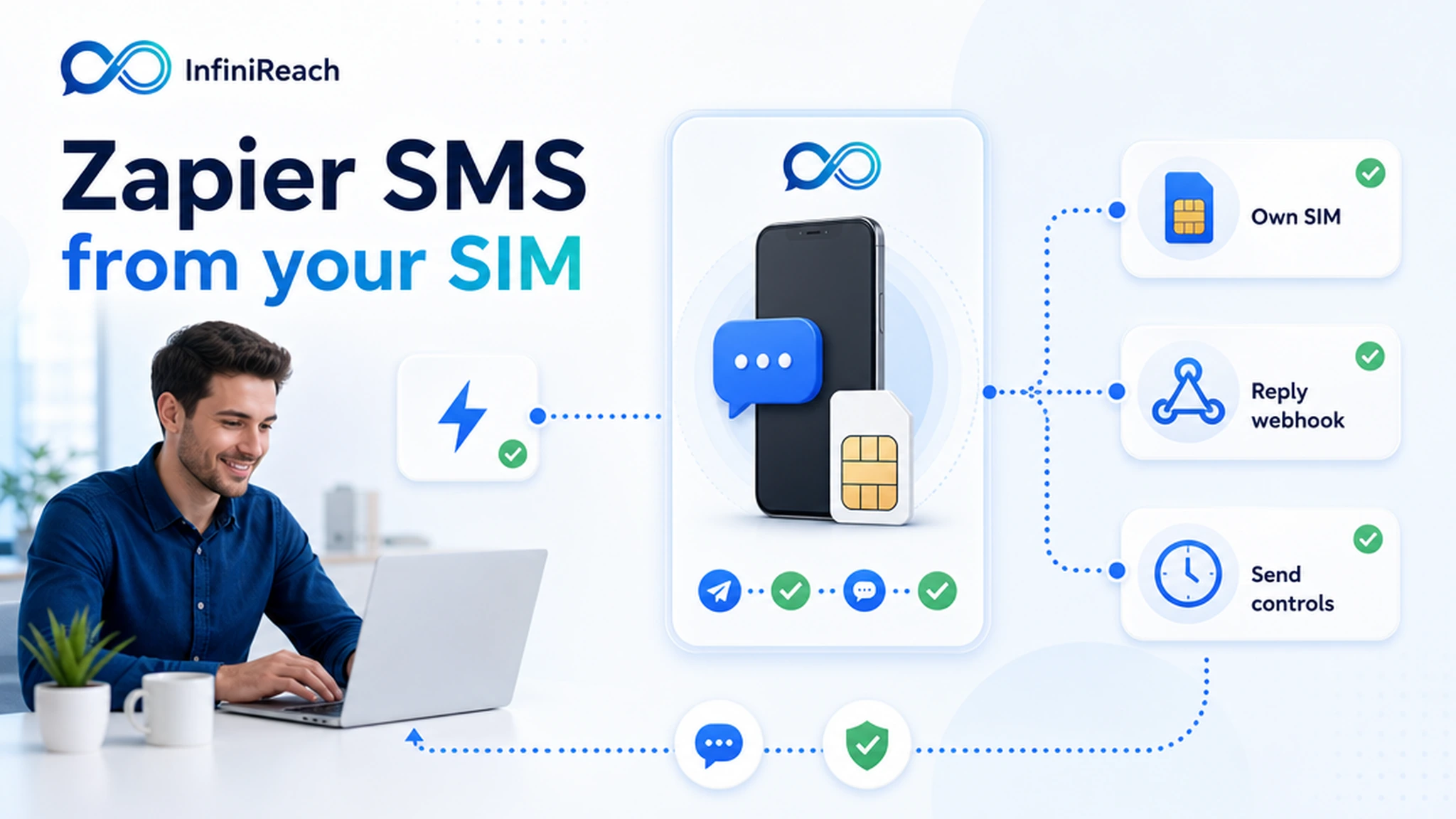
InfiniReach gives Zapier a real messaging layer. A Zap can call the InfiniReach API, choose the sender and channel, send through your connected Android SIM or WhatsApp path, then receive replies and delivery status through webhooks for the next step in the Zap or CRM.
key takeaways
Use this page if your Zap sends customer texts and the sender, replies, and monthly cost need more control than a simple alert tool gives you.
- InfiniReach lets Zapier send SMS through an Android phone, SIM, and number you control.
- Use Webhooks by Zapier or an API request step to call `POST /api/v1/messages` with explicit `from` and `channel` values.
- Route inbound replies and delivery status back through webhooks so a Zap can tag a lead, pause a sequence, or notify a human.
- Use send windows and daily SIM limits before one Zap turns into an uncontrolled batch.
- Keep SMS and WhatsApp close to the same workflow when a follow-up needs both channels.
why teams search for Zapier SMS from their own number
The buyer usually has a Zap already. A form is submitted. A lead is added. A Calendly booking changes. A Stripe payment fails. A Google Sheet row is marked ready. The missing piece is a text message that comes from a recognizable business number and does not strand replies in the wrong place.
The common answers are SMS by Zapier, Twilio connected to Zapier, or a niche SMS app. Those can send messages. The tradeoff is sender ownership, reply routing, and cost behavior. SMS by Zapier is better for internal alerts. Twilio is a mature hosted API, but it still brings sender setup, usage billing, and A2P or carrier steps where they apply. InfiniReach is for operators who want Zapier to trigger own-number SMS without turning the workflow into a manual phone process.
where InfiniReach fits in the Zap
Zapier should keep the business logic: the trigger app, filters, paths, lookups, delays, and handoff steps. InfiniReach should handle the messaging layer: the connected Android device, own-SIM SMS route, WhatsApp route where relevant, message history, reply capture, delivery status, and sender controls.
A practical Zap starts with one trigger and one send step. When a qualified event happens, Webhooks by Zapier posts the recipient, body, sender, and channel to InfiniReach. InfiniReach sends the message through the chosen connected route. Reply and status webhooks can then update a CRM, add a note, assign an owner, or stop the next automated follow-up.
- Android relay app for SMS through your own SIM and business number.
- Invite or QR device onboarding for agencies setting up client senders.
- `from` and `channel` fields so a Zap chooses the sender and SMS or WhatsApp route on purpose.
- Webhook events for inbound replies and delivery status after the Zap sends.
- Send windows and daily SIM limits to keep Zap-triggered messaging within the operator plan.
run the cost check before you pick a Zapier SMS path
Public Twilio US SMS pricing lists $0.0083 to send and $0.0083 to receive a local SMS segment. Twilio also lists a $0.001 failed-message processing fee for US long-code SMS attempts. Those are useful benchmark numbers because many Zapier SMS workflows are high-repeat: every lead, booking, missed call, invoice, or review request can create another segment.
Example: a local agency has five client Zaps. Together they send 10,000 outbound SMS segments and receive 2,000 reply segments per month. At $0.0083 per segment, the raw Twilio-style segment line is 12,000 × $0.0083 = $99.60 before phone numbers, carrier fees, registration items, failed-message fees, Zapier plan costs, and any agency markup work.
With InfiniReach, the comparison is phone plan plus Android SIM plus InfiniReach software for the workflow. That does not make carrier rules or responsible sending disappear. It changes the shape of the bill so the Zap is not adding a platform fee for every outbound and inbound segment in the same way.
comparison checklist: SMS by Zapier, Twilio, or InfiniReach
Pick the path based on the job. A simple internal alert has different needs than a customer follow-up flow with replies, staff ownership, and a known sender.
- SMS by Zapier: quick for internal notifications, but public help content frames it around confirmed recipients, country limits, and low hourly volume. It is not an own-number customer messaging layer.
- Twilio with Zapier: strong hosted API route, but the workflow still depends on Twilio sender setup, usage pricing, and carrier/A2P steps where they apply.
- Manual phone texting: keeps the known number, but loses Zapier automation, audit history, shared reply handling, and reliable handoff.
- InfiniReach: Zapier stays the automation tool while InfiniReach sends through your own Android SIM or WhatsApp route and returns replies/status through webhooks.
Zapier workflows that fit own-number SMS
Start with workflows where the recipient should recognize the number and a reply should trigger action. If nobody owns the reply, do not automate the text yet.
- New lead form submission → send a first response from the business number and notify the sales owner if the lead replies.
- Missed call or voicemail event → send a text back from the number the customer already called.
- Calendar booking or reschedule → send a reminder and route confirmations or questions back to the CRM.
- Invoice or failed payment event → send a short payment nudge and pause follow-up when a customer responds.
- Google Sheets row ready → send a one-off update without handing the sender to a spreadsheet add-on.
when not to use InfiniReach for Zapier SMS
Use a hosted CPaaS provider when you need global OTP delivery, short codes, toll-free verification, very high centralized throughput, or a formal hosted sender program across many regions. Twilio and similar providers are built for those cases, and a connected Android SIM is not a replacement for every telecom program.
Choose InfiniReach when the job is more specific: Zapier needs to trigger texts from a business-owned number, replies need to enter a CRM or workflow, SMS and WhatsApp should live near each other, and the operator wants send windows and daily SIM limits before volume grows.
go-live checklist before a Zap sends live texts
The risky part is rarely the first test message. It is the day a Zap fires for a whole list, sends outside business hours, or keeps texting after a customer replies. Check the controls before you move from test to production.
- Confirm the Zap trigger is permissioned and should send a customer-facing text.
- Choose the exact `from` sender and `channel` instead of hard-coding one route forever.
- Set send windows for the local business hours that fit the customer relationship.
- Set daily SIM limits that match the carrier plan and business use case.
- Create a reply/status webhook path before the first live campaign.
- Test opt-out handling and make sure a reply can pause the next Zap step when needed.
next step: map one Zap end to end
Pick one Zap that already has a clear business reason to send SMS. Write down the trigger, sender number, channel, expected monthly volume, reply owner, and what should happen after delivery or reply events. Then compare the hosted SMS usage model with an own Android SIM plus InfiniReach software.
If the Zap needs a known sender, reply handling, SMS plus WhatsApp routing, and better control over recurring message economics, start with pricing or book a demo to map that one workflow before moving the rest of your Zaps.