woocommerce SMS notifications: the short answer
Most WooCommerce SMS notification setups start with a plugin or a Twilio-backed extension. That can work for basic order updates, but it usually puts the sender, reply path, and message bill inside a third-party SMS account.
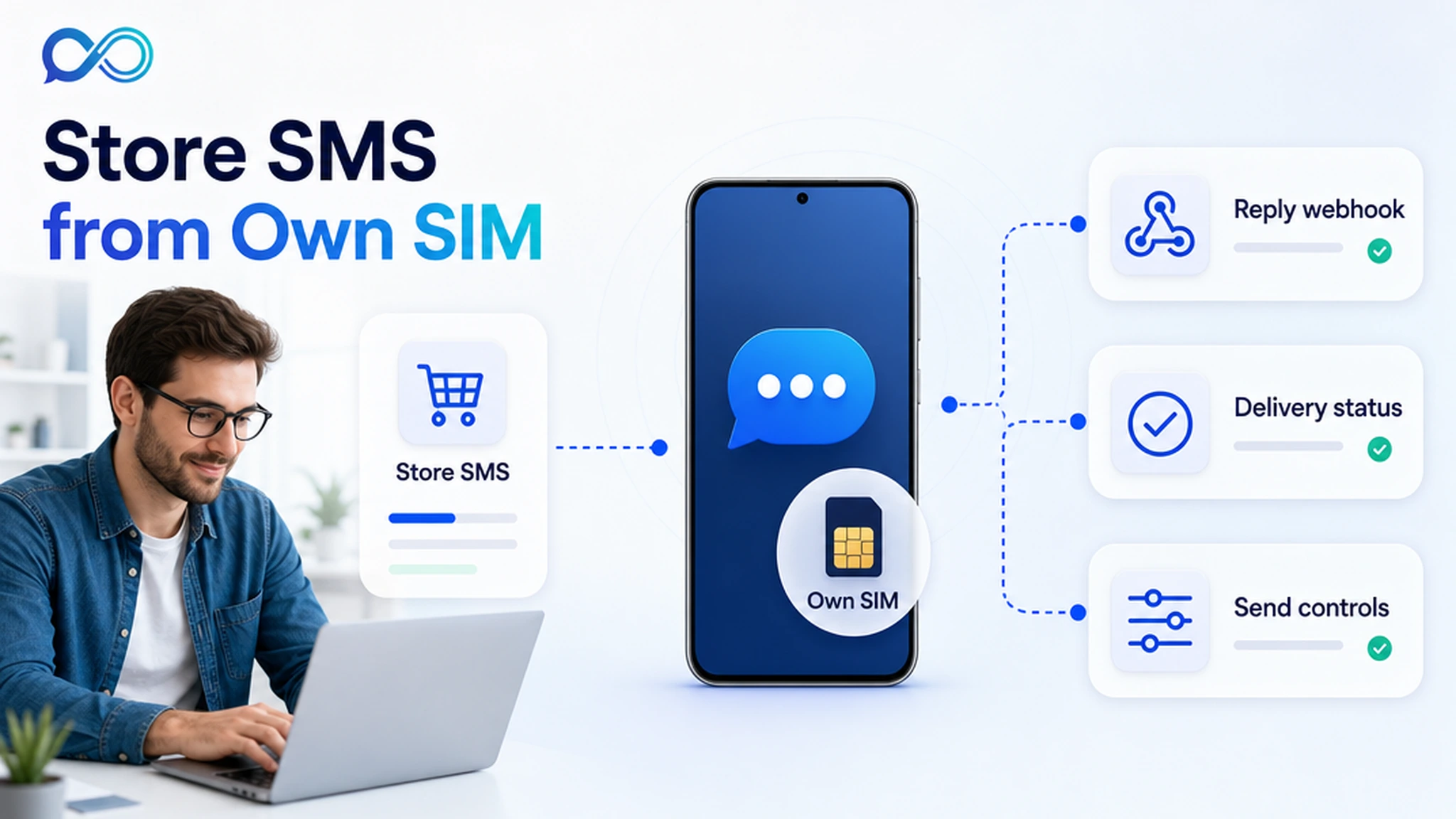
InfiniReach is the better fit when the store wants the text to come from a real business number it controls. WooCommerce can trigger the event, your automation layer can call InfiniReach, and InfiniReach can send through the selected Android SIM or WhatsApp path while returning replies and delivery status through webhooks.
key takeaways
Use this page if WooCommerce sends are becoming a real operations workflow, not a one-off plugin checkbox.
- Send order, pickup, failed-payment, and support notifications from an owned Android SIM and number where that fits your consent and carrier rules.
- Keep WooCommerce as the ecommerce system while InfiniReach handles sender choice, SMS plus WhatsApp routing, replies, and status events.
- Use API fields such as from and channel so each store, location, or client can use the right sender.
- Add send windows and daily SIM limits before abandoned-cart or order-update workflows grow into larger batches.
why store operators search for WooCommerce SMS tools
The buyer usually has a practical problem: customers miss emails, shipping exceptions need fast attention, pickup orders need a short update, or support replies are stuck in a separate inbox. A plugin that sends one outbound text solves only the first half of that problem.
The harder part is what happens after the notification. If a customer replies “wrong address” or “can I pick up tomorrow,” that message should reach the same team that handles the order. It should not disappear into a phone, a plugin log, or a rented sender account that nobody watches.
where InfiniReach fits in the WooCommerce stack
InfiniReach sits between WooCommerce events and the channels customers actually use. WooCommerce creates the order event. A webhook, Zapier, Make, n8n, or a small custom endpoint decides what message should go out. InfiniReach sends it from the chosen sender and sends reply or status events back to the workflow.
That split is useful for agencies and ecommerce operators. WooCommerce keeps store logic. InfiniReach keeps messaging control: connected Android device, own SIM, explicit sender selection, SMS plus WhatsApp routing, delivery history, and inbound replies.
- Android relay app for SMS through a SIM and number you control.
- Invite or QR registration paths for connected devices and WhatsApp senders.
- POST /api/v1/messages-style sends with explicit from and channel fields.
- Webhook events for replies and delivery status so the order team can act.
a practical order-notification workflow
Start with one WooCommerce event that already has clear permission and a clear business reason. Order status changes, local pickup updates, failed-payment nudges, back-in-stock alerts, and support handoffs are better first tests than a store-wide promotional blast.
A clean workflow can stay small: WooCommerce emits the event, your automation checks the order and consent fields, InfiniReach sends from the store number, and reply or delivery-status webhooks update the helpdesk, CRM, or internal Slack channel.
- Order paid or ready for pickup → send a short SMS from the store number.
- Delivery exception → send SMS first, then route to WhatsApp if that channel fits the customer workflow.
- Inbound reply → open a support task, tag the order, or notify the store owner.
- Failed delivery or no response → log the event and decide whether a human should call.
compare common WooCommerce SMS paths
The right path depends on who owns the sender and who handles replies. A basic plugin can be fine for a small store that only needs outbound status updates. A hosted CPaaS path can be right when global coverage, short codes, or formal OTP programs are the main job. InfiniReach is for stores and agencies that want WooCommerce events tied to an owned-number messaging layer.
- Plugin-only path: quick to install, but sender ownership, reply routing, and pricing usually follow the plugin or gateway account.
- Twilio-style path: developer-friendly and broad, but Twilio publicly lists U.S. SMS from $0.0083 per outbound long-code segment, carrier fees, destination rates, and a $0.001 failed-message processing fee.
- InfiniReach path: WooCommerce stays the event source while the message sends through an own Android SIM or WhatsApp route, with reply/status webhooks and sender controls.
a quick cost check for order alerts
Suppose a store or agency account sends 8,000 outbound order texts and receives 1,500 customer replies in a month. Using Twilio’s public U.S. long-code benchmark of $0.0083 per outbound SMS segment, outbound traffic alone is $66.40 before carrier fees, sender costs, registration items, and any failed-message fees. If replies are metered at a similar segment rate, the usage line keeps moving as the store grows.
With InfiniReach, the comparison is different. You price the workflow around the phone plan, the connected SIM or device, and InfiniReach software instead of treating each order event as a new platform message charge. That does not make every message free, and carriers still have rules. It does make the budgeting conversation easier for operators who already have a business number and recurring WooCommerce volume.
why agencies should care about sender ownership
WooCommerce agencies often manage several stores that each need their own sender. One client may use a local pickup number. Another may use a support line. A third may need WhatsApp for repeat buyers and SMS for time-sensitive exceptions.
InfiniReach gives the agency a place to map those senders deliberately. Use the API from field to pick the sender, the channel field to choose SMS or WhatsApp, and webhooks to bring replies and status back into the client workflow. That is cleaner than hiding every store behind one rented gateway account.
what to avoid before going live
Do not treat WooCommerce SMS like a broadcast button. Order notifications still need consent, clear message purpose, sender discipline, and a team that can answer replies. Own-SIM sending is an operations choice, not a compliance shortcut.
- Do not send abandoned-cart or marketing texts without consent and local rule review.
- Do not mix multiple stores through the wrong sender number.
- Do not launch without a reply path. Customers will answer order texts.
- Do not skip send windows or daily SIM limits when workflows can queue batches.
when a hosted provider may still be better
Use a hosted CPaaS or dedicated ecommerce SMS platform when you need short-code scale, global OTP coverage, complex carrier registration programs, or a team that does not want to operate connected devices. Those paths exist for a reason.
Use InfiniReach when the store or agency values a recognizable sender, own-number control, reply-aware workflows, and more predictable economics for recurring order and support messages.
next step: test one WooCommerce event
Pick one event: ready for pickup, failed payment, delivery exception, or new support order note. Map the WooCommerce trigger, the sender number, the SMS or WhatsApp channel, the reply destination, and the limit rules before you send to the full customer base.
If that map needs own-number SMS, reply webhooks, and sender control, price the workflow on InfiniReach and test it with one connected Android phone first.